EN
EN

QT4-24 Semi Automatic Block Making Machine Button Operation Guide & Control Panel Button Introduction
Time : 2025-04-08
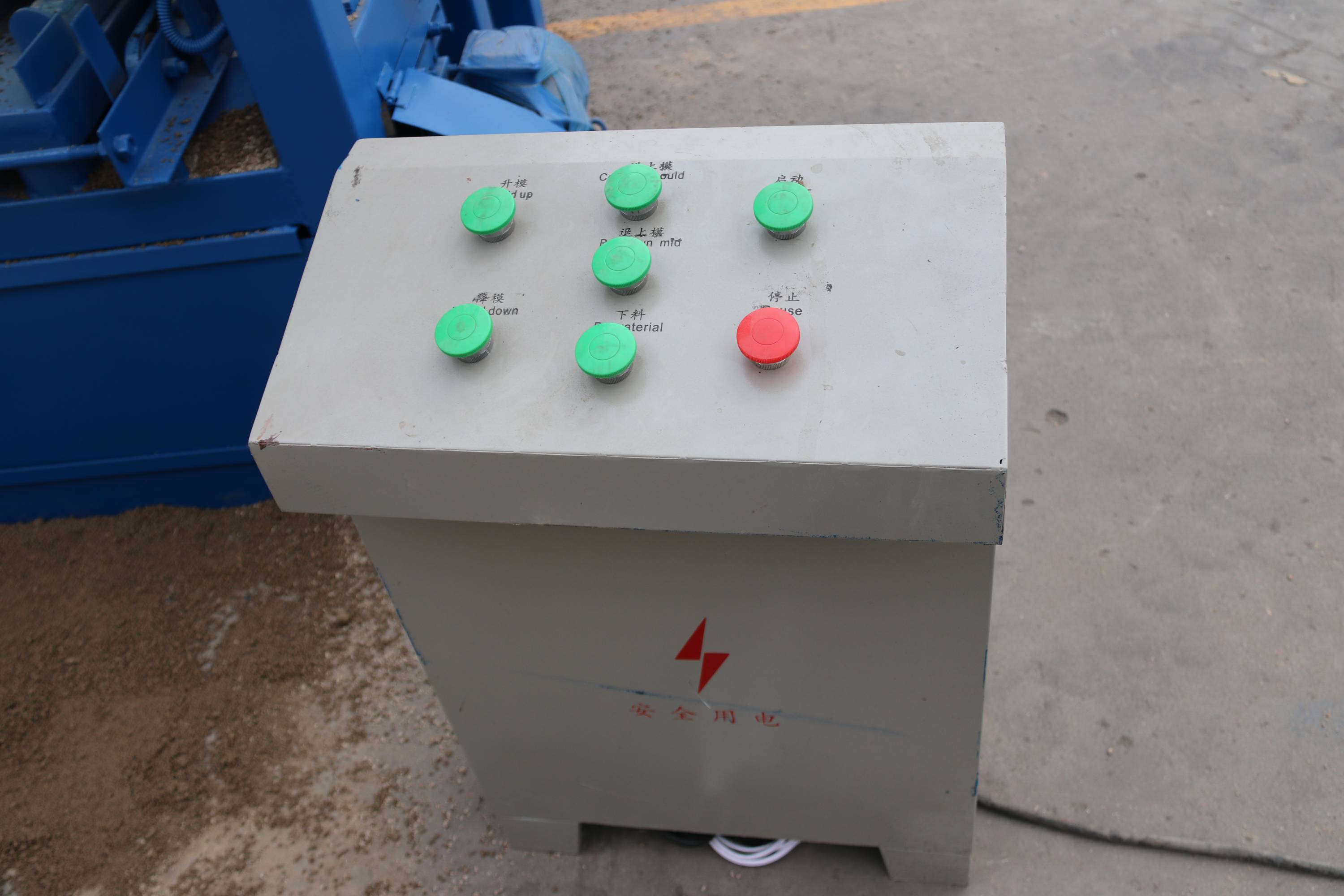
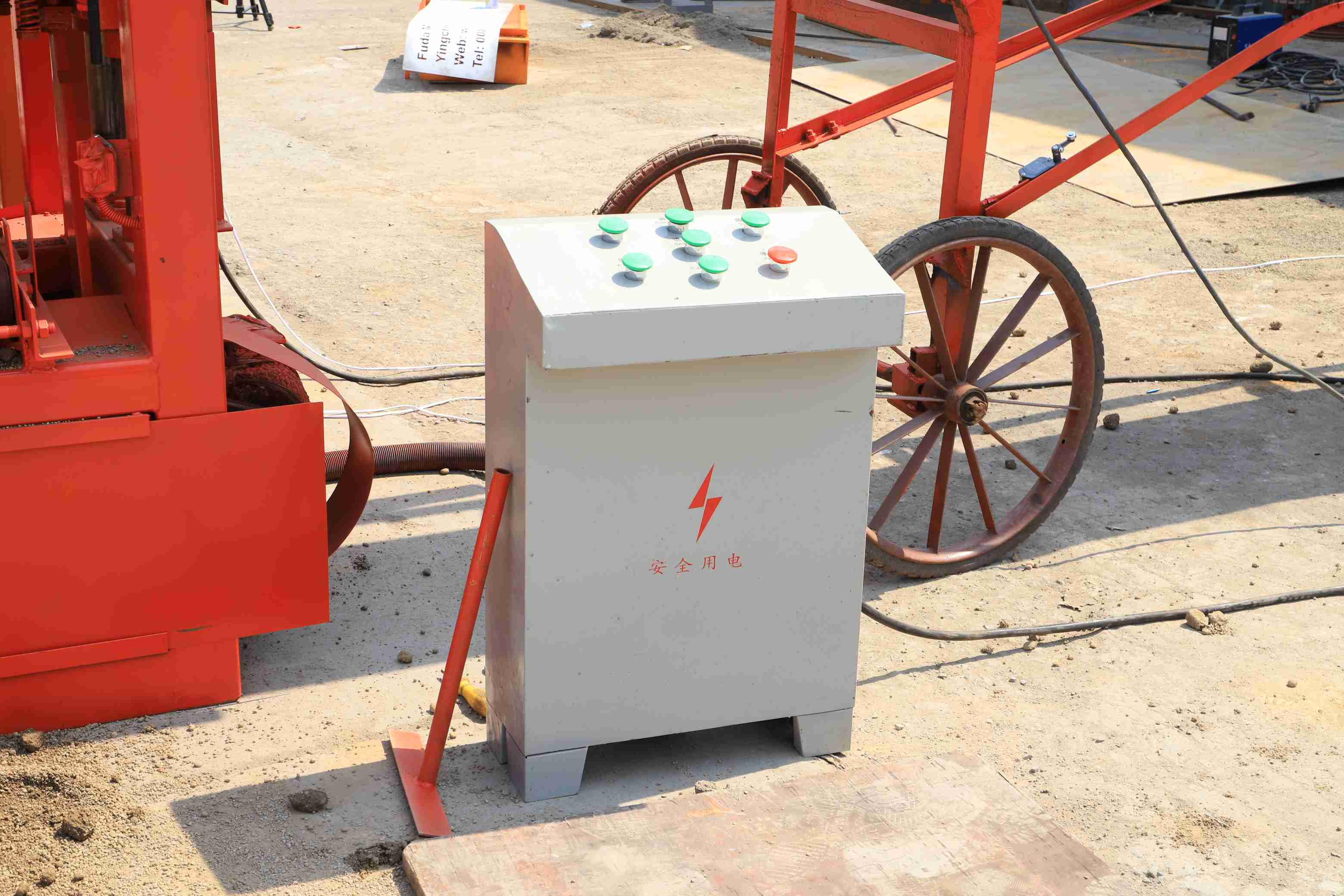
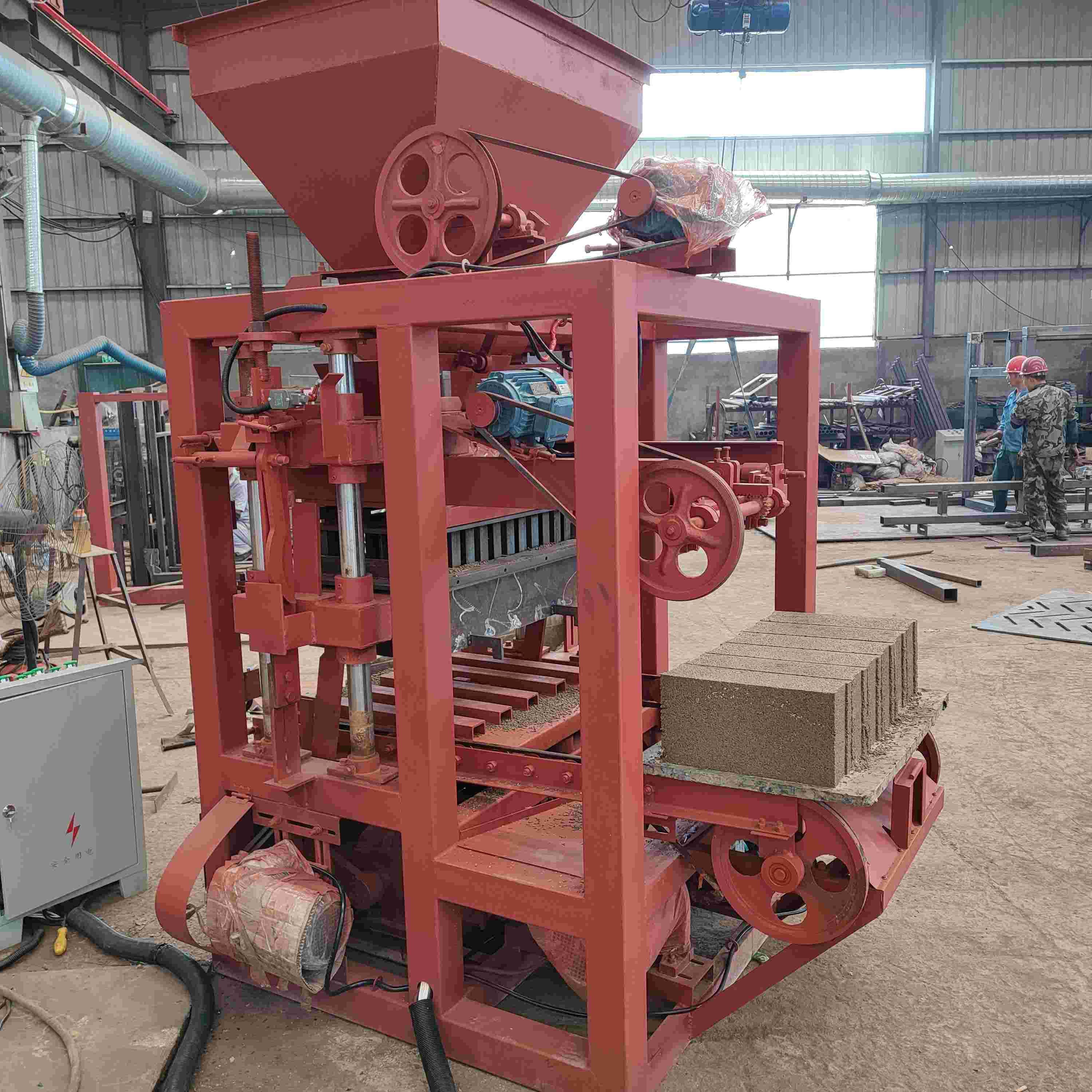
The QT4-24 host machine adopts a simple button control panel, with clear functions, easy to operate, and all buttons are marked with English words and simple icons, suitable for operators in developing countries. The function and operation method of each button are as follows:
- Mould Up
-
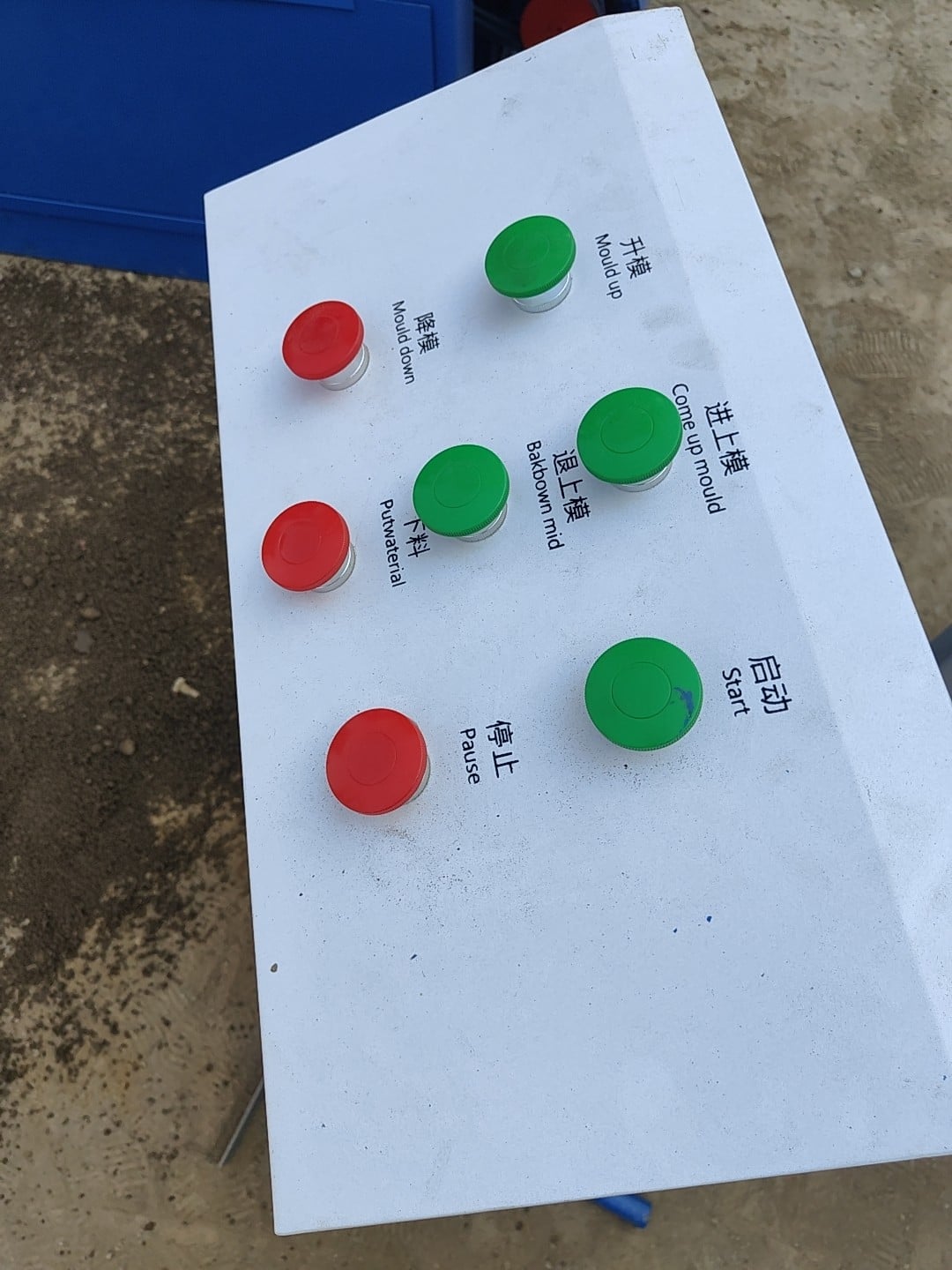
- Function: Control the lifting of the upper mold of the host machine.
- Operation: Press the button to lift the upper mold; release the button to stop lifting. When the upper mold reaches the pin hole of the fixed mold, the fixed mold pin will insert into the pin hole, and the hoist will stop automatically.
- Mould Down
-
- Function: Control the falling of the lower mold of the host machine.
- Operation: Press the button to make the lower mold separate from the upper mold and fall on the pallet; release the button to stop falling. After falling, the rocker will be vertical, and the hoist will stop working.
- Upper Mould On
-
- Function: Pull the upper mold back to the top of the lower mold.
- Operation: Press the button once, the upper mold will move to the top of the lower mold and stop, ready for material pressing and forming.
- Upper Mould Back
-
- Function: Move the upper mold to one side of the host machine.
- Operation: Press the button once, the upper mold will move to the side, leaving the feeding space of the lower mold for raw material feeding.
- Put Material
-
- Function: Control the feeding of the host machine hopper.
- Operation: Press the button, the mixed raw materials in the hopper will be put into the lower mold automatically; release the button to stop feeding, and the feeding amount can be controlled according to the production needs.
- Start (Vibration)
-
- Function: Start the vibration box of the host machine for concrete vibration forming.
- Operation: Press the button to start vibration; the vibration will not stop when releasing the button, and only press the Pause button to stop vibration.
- Pause
-
- Function: Emergency stop of the host machine.
- Operation: Press the button at any time, the host machine will cut off the power supply automatically and stop all operations, which is used for emergency situations such as machine failure and personal safety hazards.
Button Operation Note
- Do not press multiple buttons at the same time to avoid mechanical failure caused by misoperation.
- The button operation should be gentle, and it is forbidden to knock or pull the button to avoid button damage.
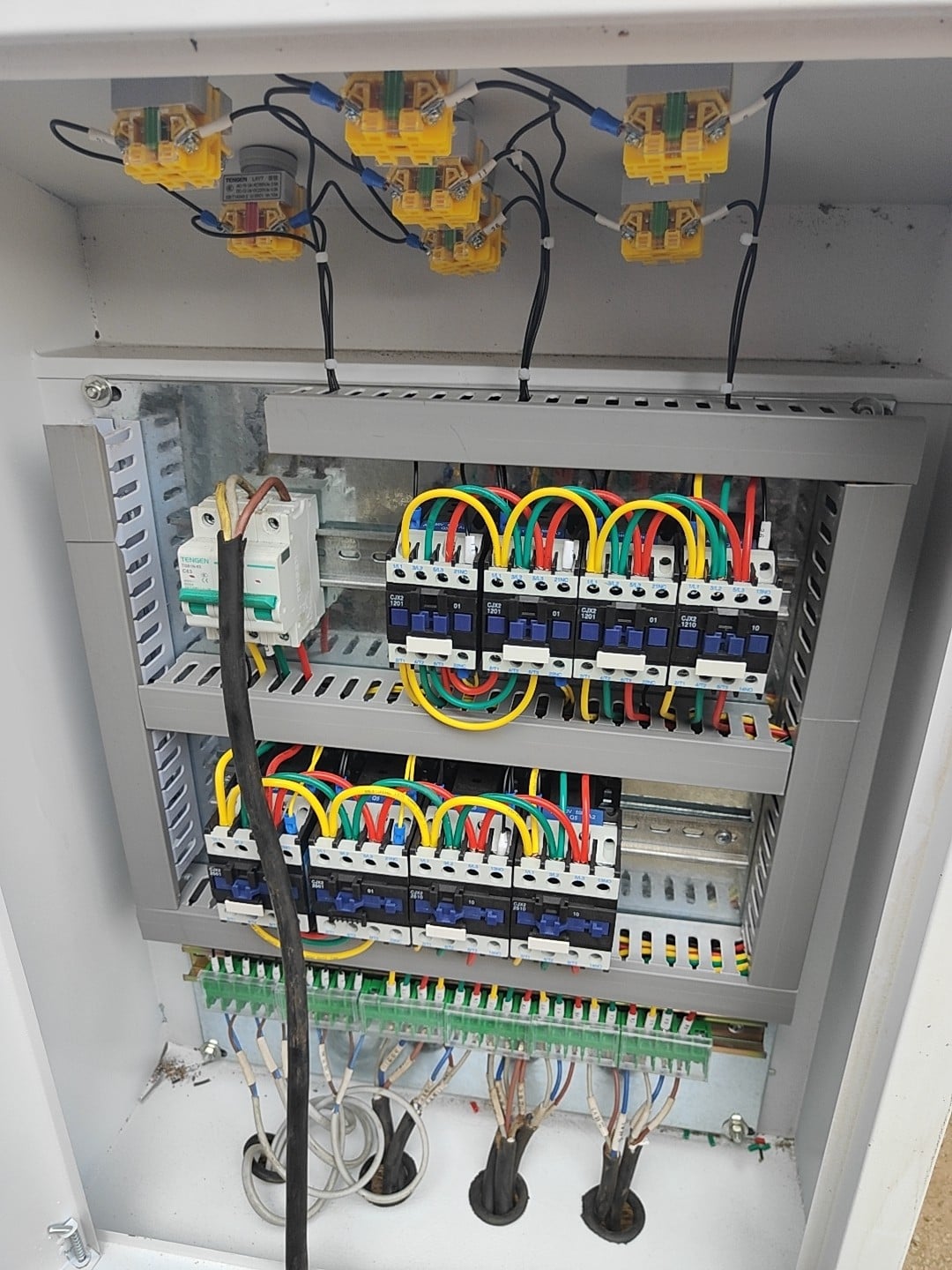
- If the button is insensitive or invalid, stop using it immediately, cut off the power supply and check or replace the button.
- After the operation is completed, turn off the main power supply, and clean the button panel to prevent dust and concrete residue from entering the panel and damaging the electrical components.